What is the Windows Security Accounts Manager (SAMSS) Service?
If you’ve seen the Windows Security Accounts Manager (SAMSS) service running in Windows task manager or in your Windows Services applet, you might be wondering, what is that thing? If so, this short post is for you.
Every version of Windows since Windows NT has a user-based security system. To access your Windows desktop, you must have a username and password to log in. That username is called a user account which can then be placed into various groups to control access to Windows features.
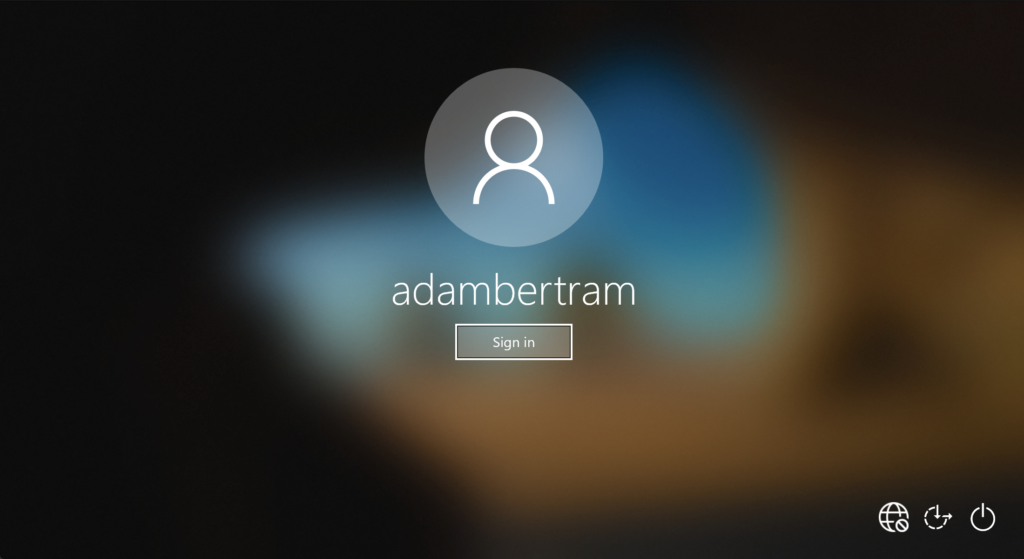
The Windows 10 logon screen
The SAMSS service is a critical Win32 Windows system service. Do not stop or disable it!
SAMSS Default Settings
Every Windows service comes out of the box with certain settings and may have various other dependencies that rely on this service. You can find those settings for Windows 10 below.
Setting
Value
Startup type
Automatic
Name
samss
Display Name
Security Accounts Manager
Account Running Under
LocalSystem
File Path
%SystemRoot%\system32\lsass.exe
Registry Key
HKEY_LOCAL_MACHINE\SYSTEM\CurrentControlSet\Services\SamSs
Dependencies
Distributed Transaction Coordinator, KtmRm for Distributed Transaction Coordinator, Server, Computer Browser, HomeGroup Listener
Services Dependent On
Remote Procedure Call (RPC), DCOM Server Process Launcher, RPC Endpoint Mapper
SAMSS Attributes
Related:Back to Basics: How to Manage Windows Services with PowerShell